Application Screens
Explore the entire MealFly product family in one tour. From the customer's QR menu to the kitchen order screen, from the cashier to the admin panel and courier tracking; every screen is part of real operations.
QR Menu & Ordering (PWA)
Your customer scans the QR code; a multi-language digital menu opens instantly. They pick products and options, add to cart and send the table order; they track order status live. No installation — it runs in any phone browser.
- Multi-language & multi-currency
- Products with options
- Order from the table
- Live order tracking
- Call the waiter
- Contactless & fast
Kitchen Display (KDS)
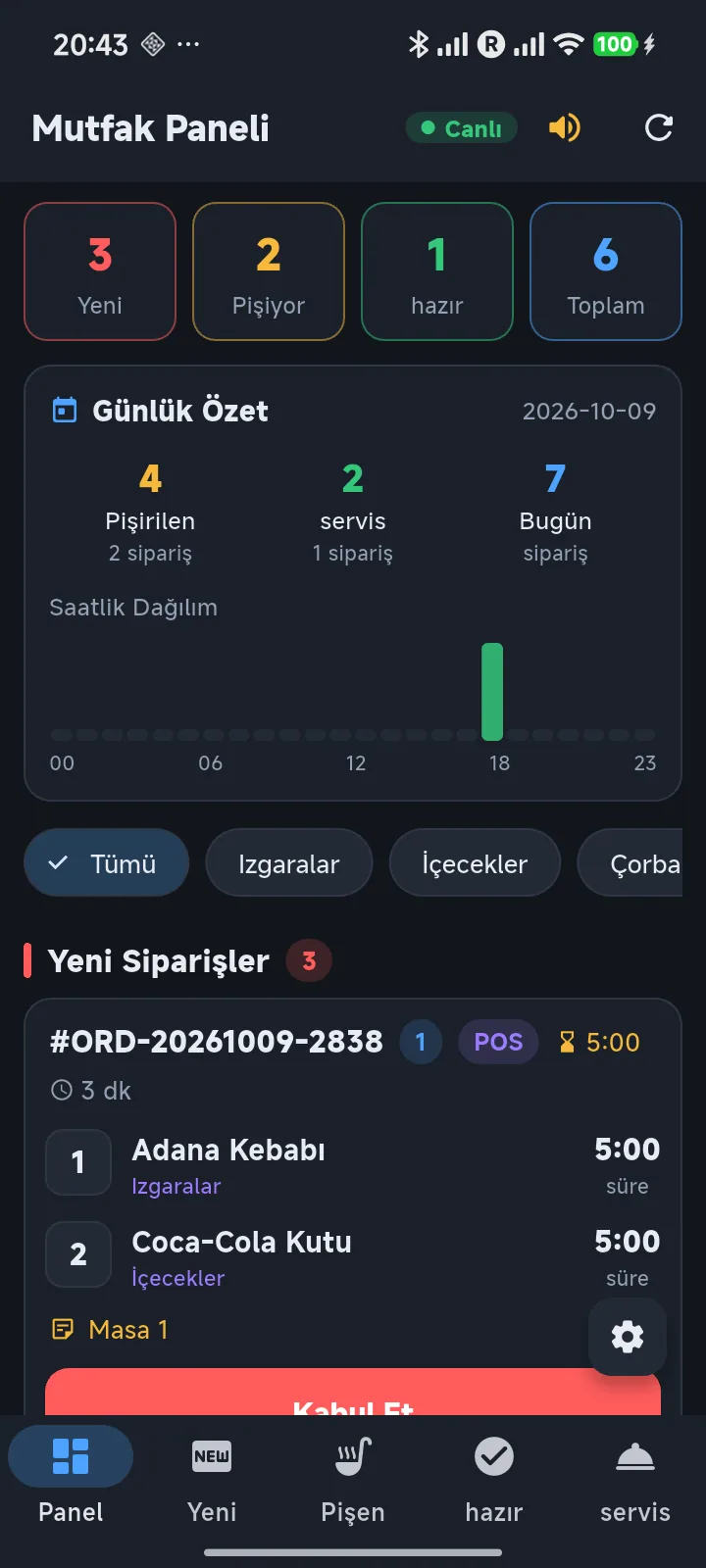
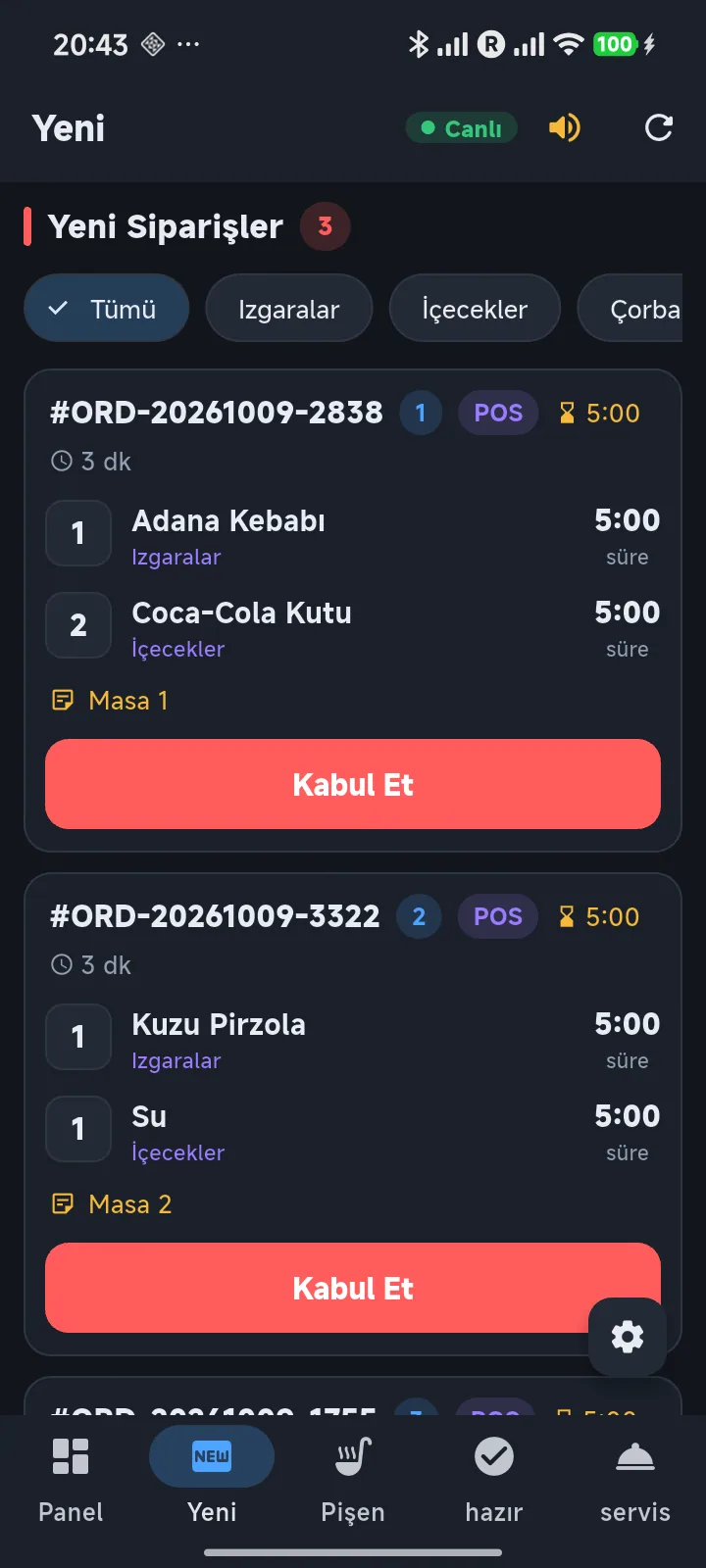
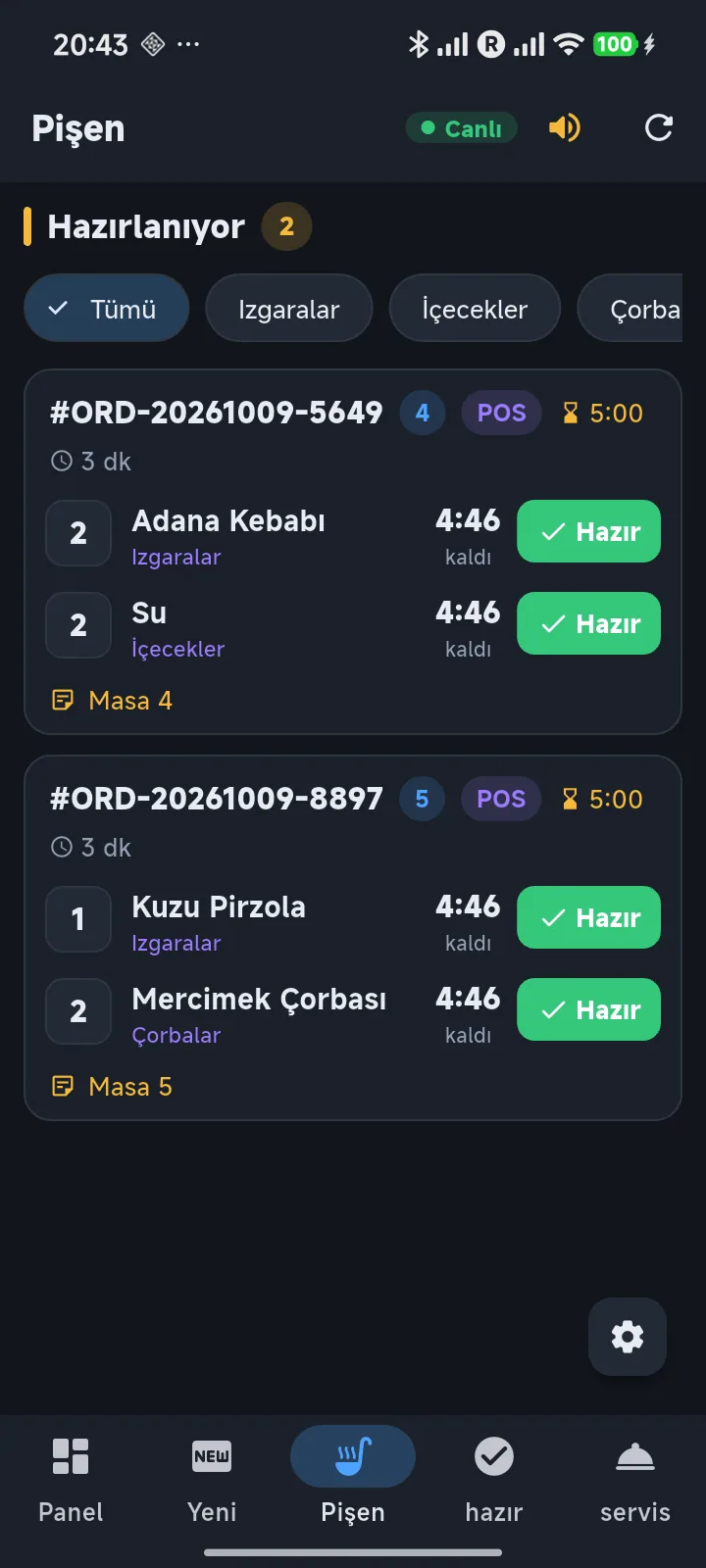
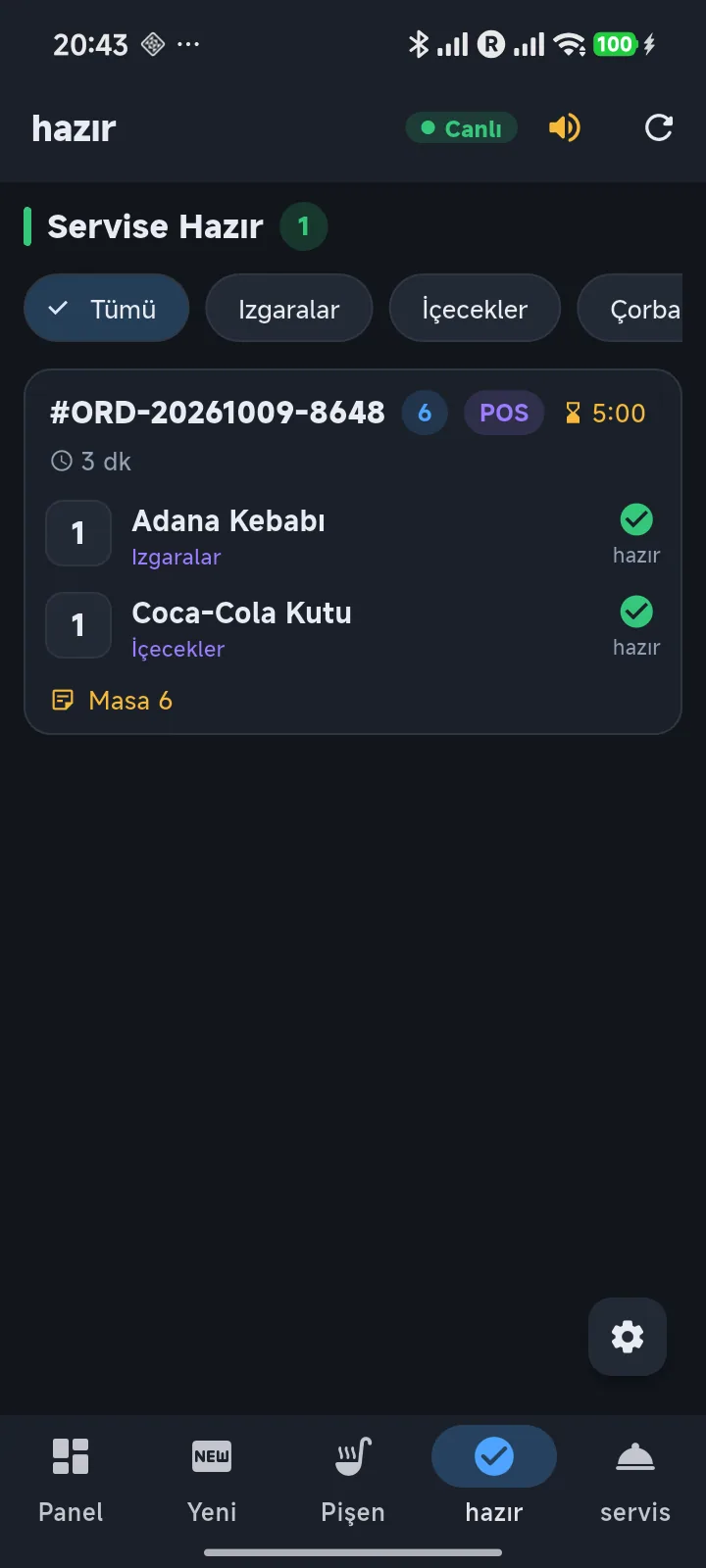
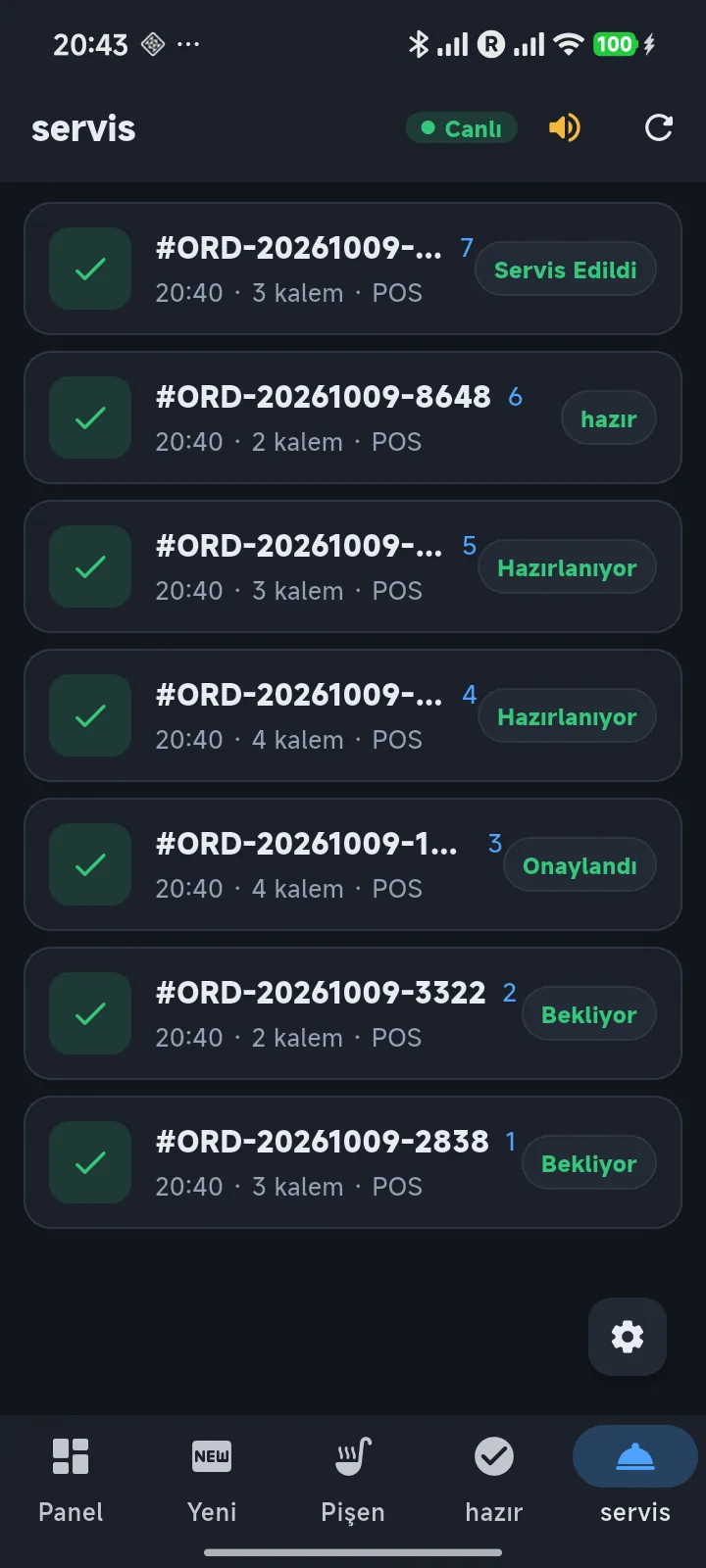
Orders appear on the screen the moment they reach the kitchen and flow in columns: New → Preparing → Ready → Served. The chef accepts the order and ticks items one by one; late orders warn with color, ready ones are announced by sound.
- New/Preparing/Ready
- Accept orders
- Item-based status
- Color & sound alerts
- Daily counter
- Touch friendly
POS & Cashier
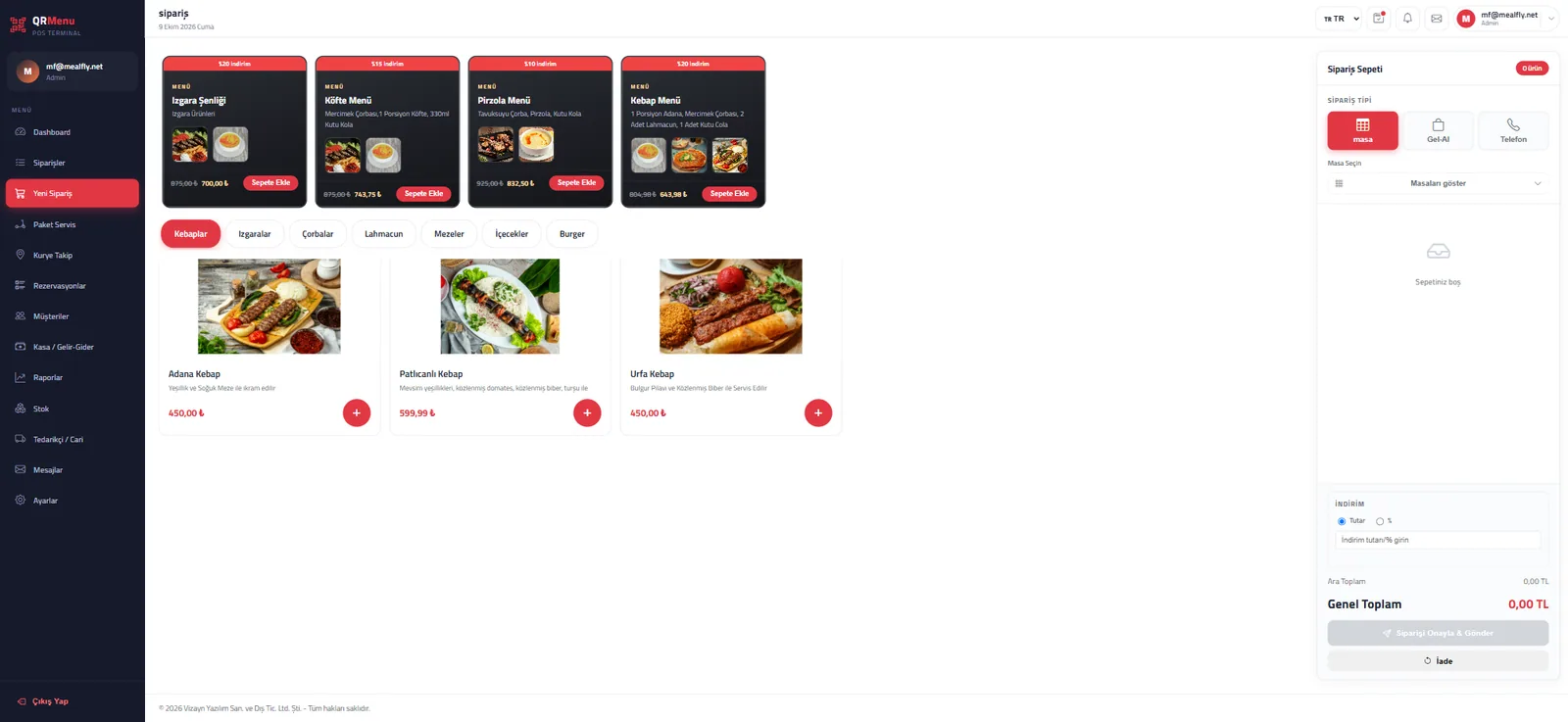
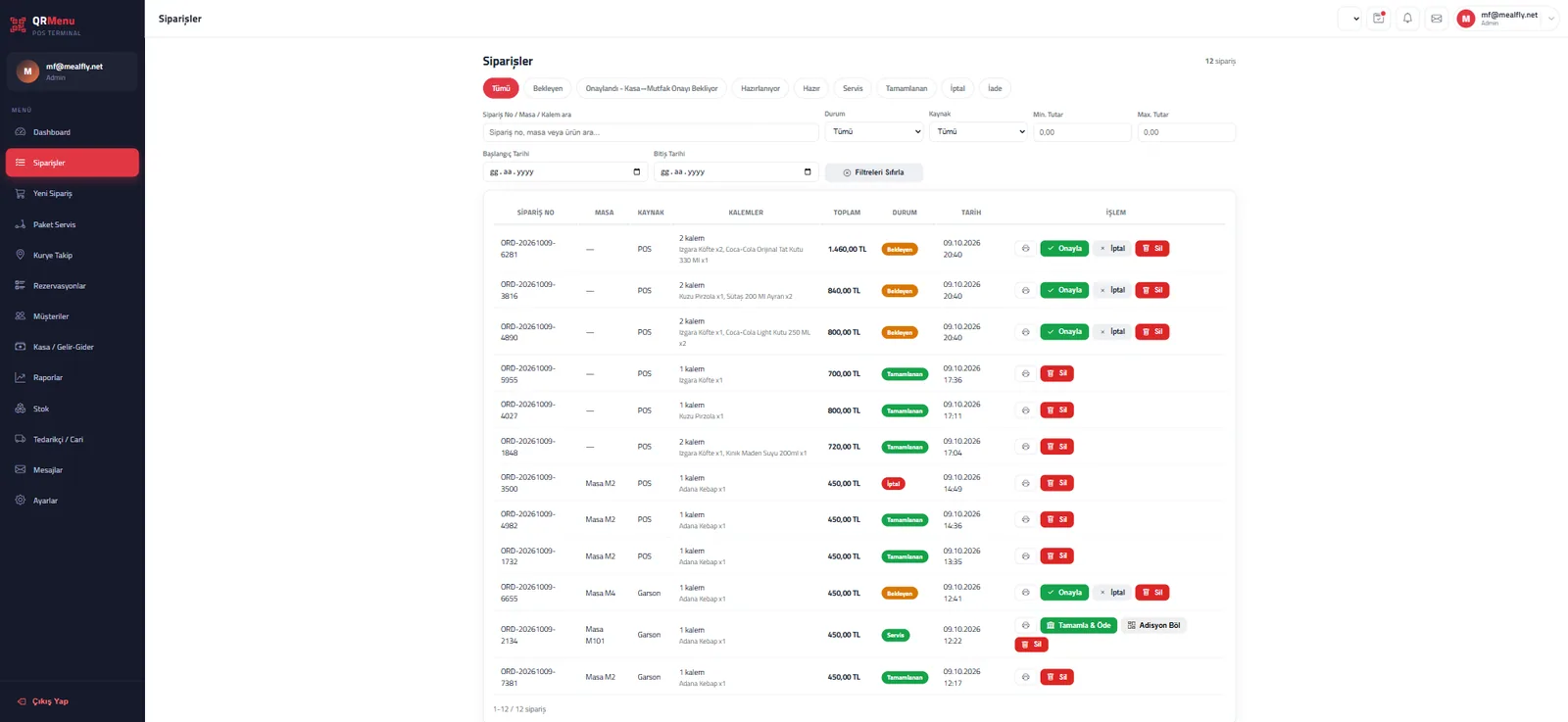
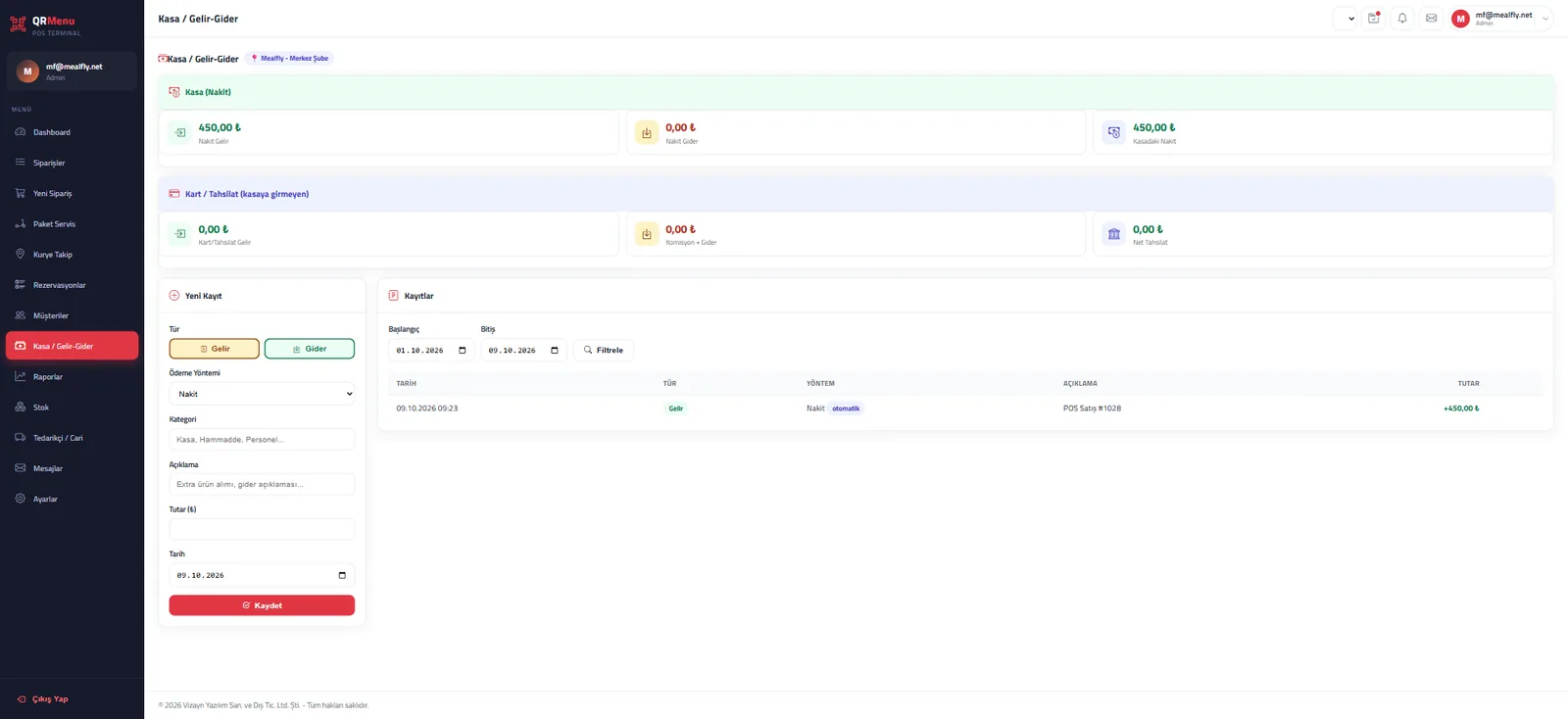
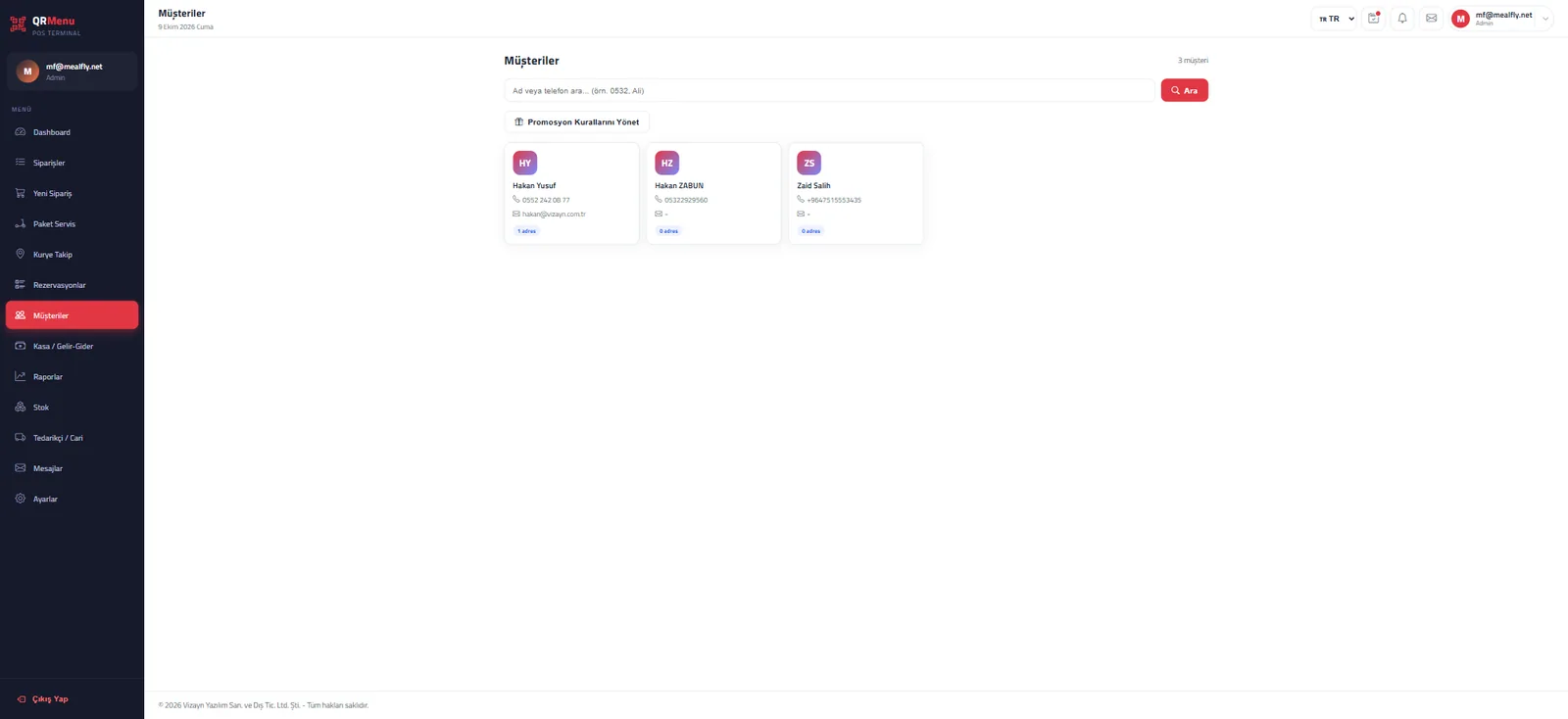
Take orders from the cashier in seconds. Bill management, table merge/move, product options, cash/card payment, income-expense entry, receipt printer and end-of-day all on one screen. With the live order list, operations are always in front of you.
- Bill & payment
- Table management
- Courier & route assignment
- Income/expense & cash
- Capacity warning
- Reports
Admin & Portal
Manage your entire business from one panel: branches, products & categories, pricing, staff and permissions, subscription/invoices, multi-language & currency, Firebase notification settings and Google Maps integration.
- Branch & product management
- Roles & permissions
- Subscription & invoicing
- Multi-language/currency
- Firebase notifications
- Google Maps & API
Courier App
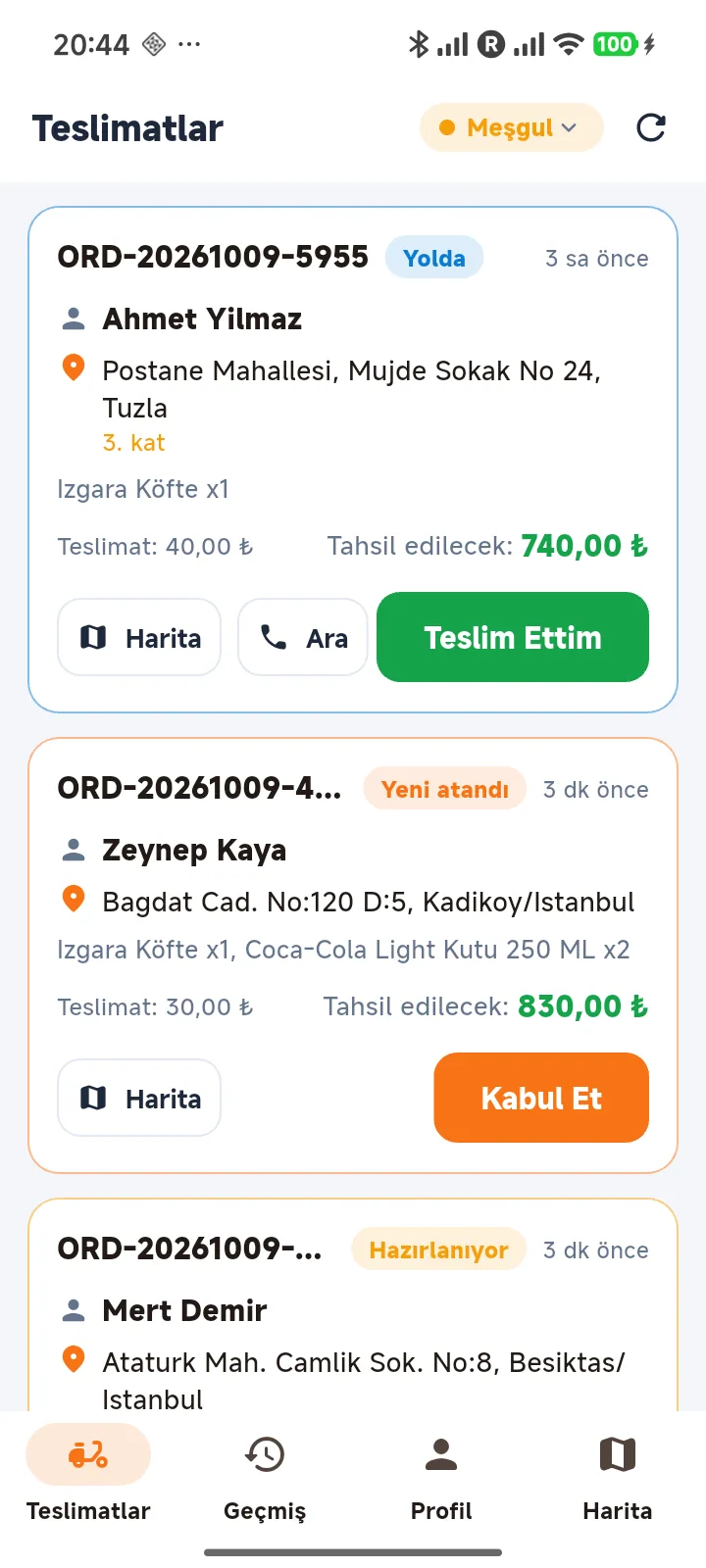
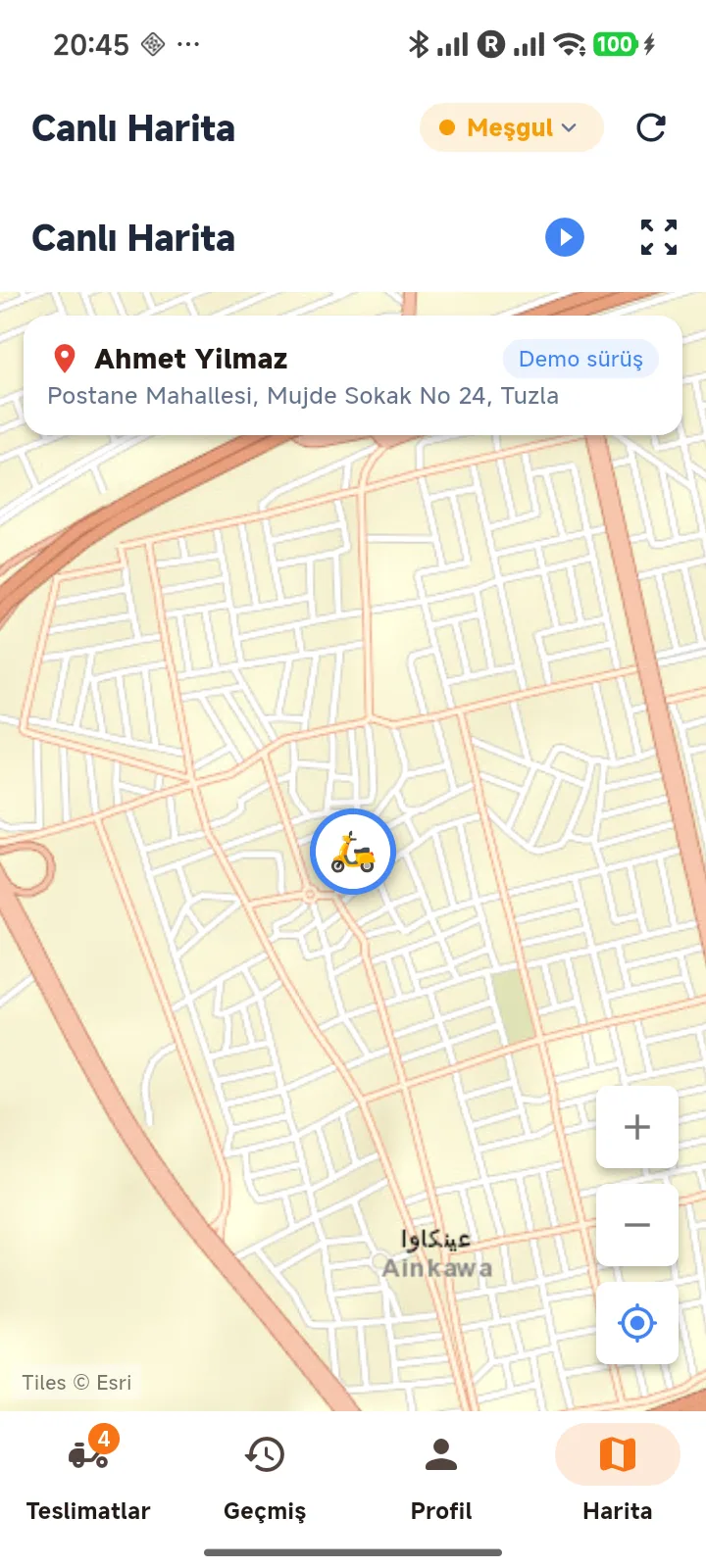
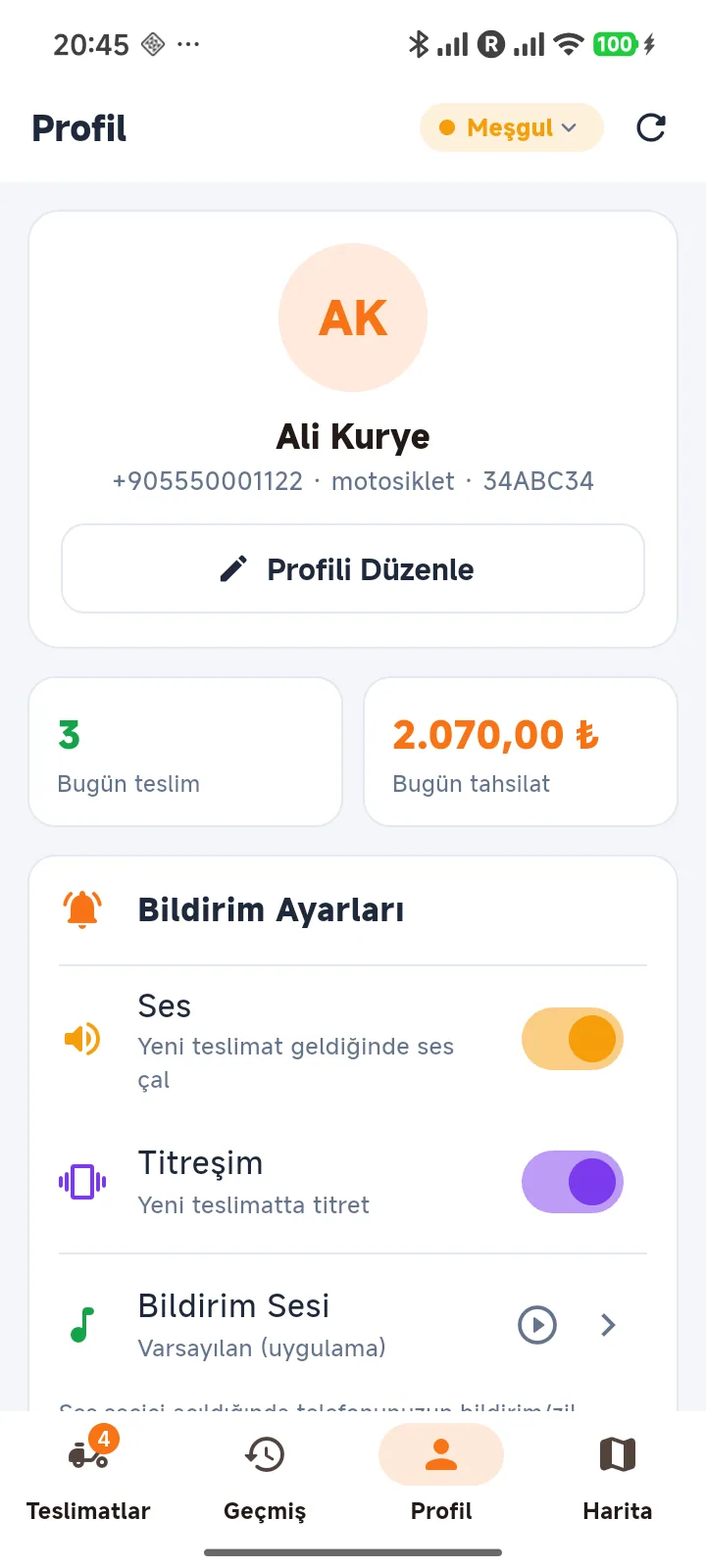
Multi-package delivery: orders on the same route are grouped on one courier and numbered stops are delivered in order. The courier sees customer/address, items and the amount to collect; “Start” begins the whole route, “Delivered” at each stop. Route, remaining distance/time and location reflect to POS instantly.
- Multi-package route
- Numbered stops & sequential delivery
- Live order/collection
- Turn-by-turn & ETA
- Cash/card collection
- Push notifications
Courier Earnings & Settlement
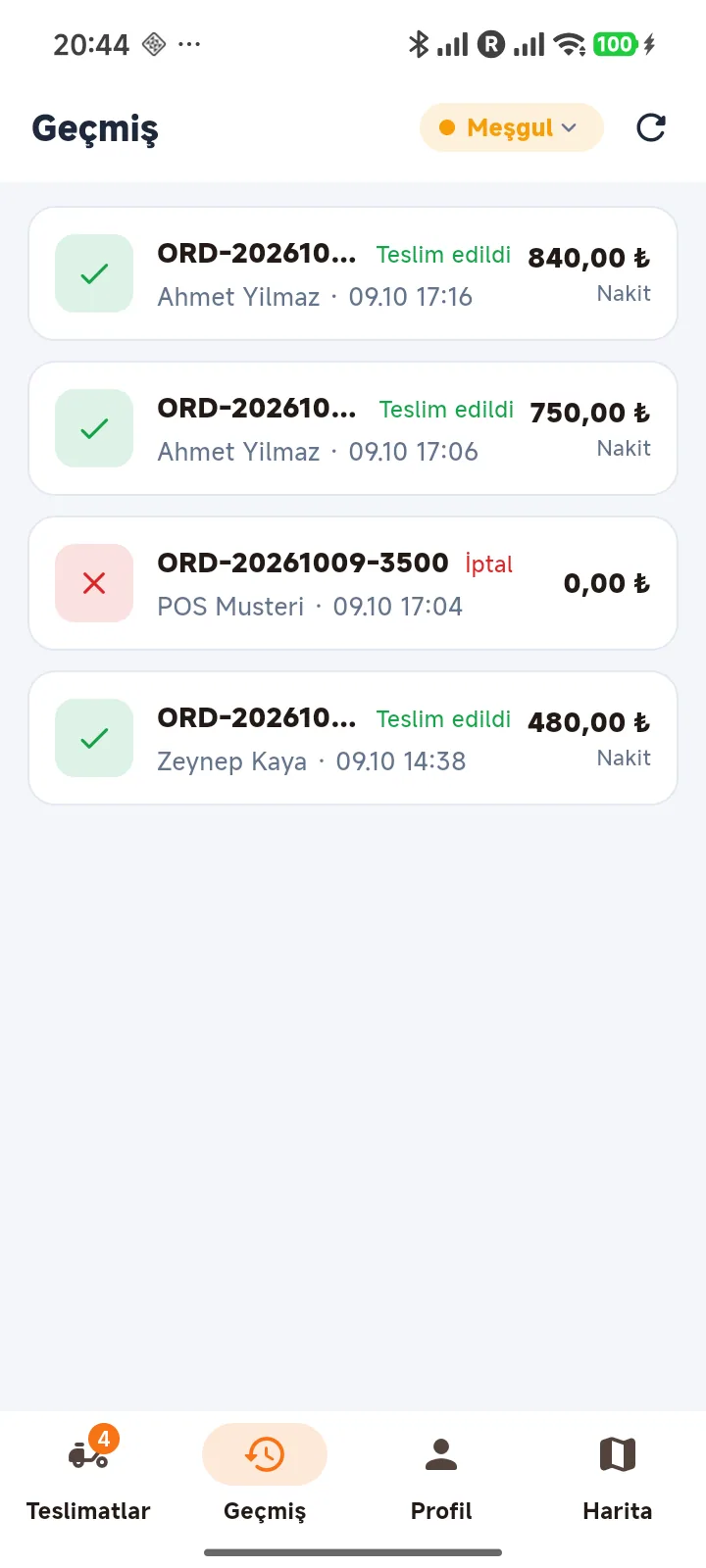
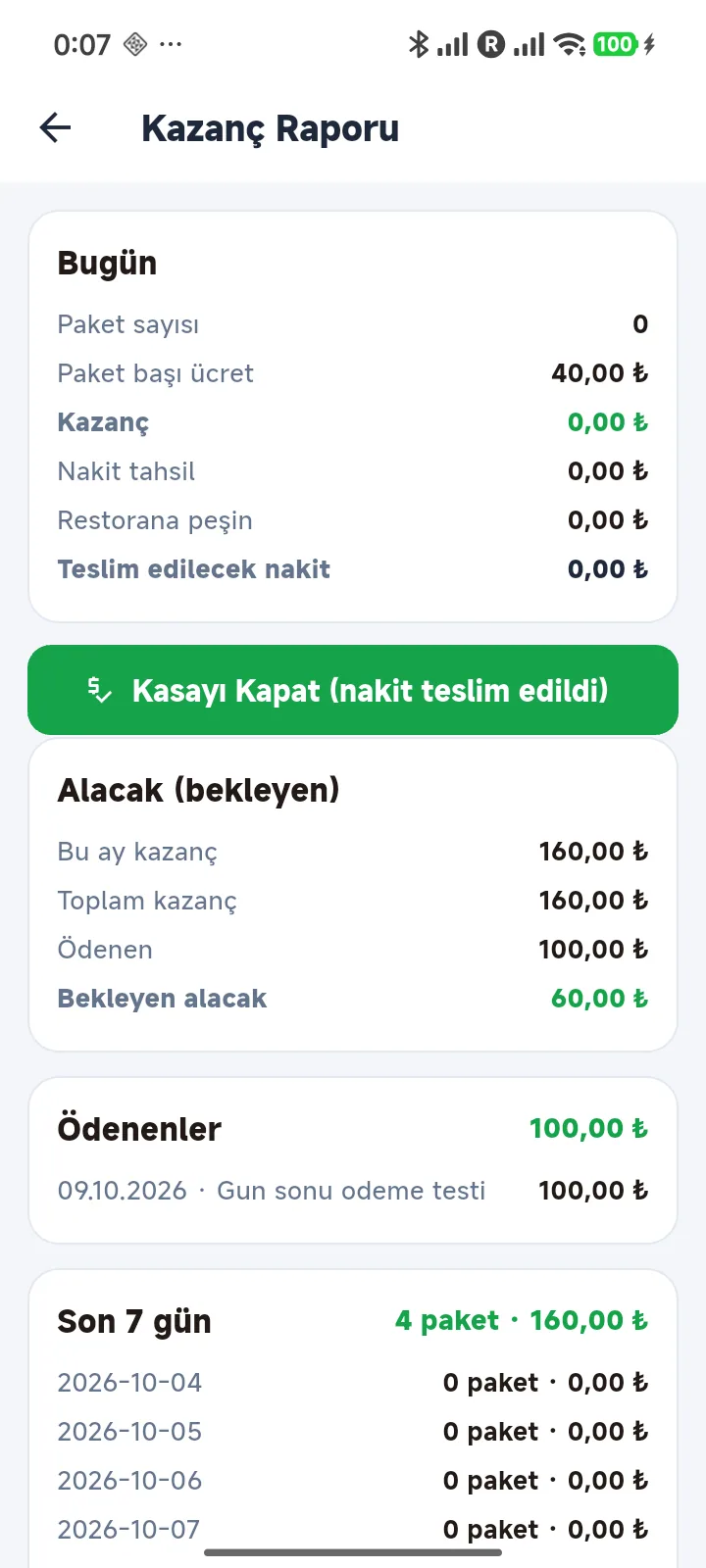
Per-package fee, pending receivable, cash/card reconciliation and an automatic end-of-day receipt on one screen. In POS, each courier's delivery breakdown (pickup/delivery time, contents, customer, amount) is visible; at closing the settlement receipt is printed automatically on the thermal printer.
- Per-package fee & earnings
- Pending receivable (current)
- Cash/card reconciliation
- Automatic end-of-day receipt
- Payment cancel/correction
- Thermal printer (XP-80C)
Start today, get your first order in minutes
No credit card · Lifetime free plan · No setup